Inside Webpack Loaders and Rules
The Problem
A webpack-based React project worked fine on macOS and Linux but threw an error on Windows when processing SCSS:
ERROR in ./src/styles.scss 1:0
Module parse failed: Unexpected character '@' (1:0)
You may need an appropriate loader to handle this file type, currently no loaders are configured to process this file. See https://webpack.js.org/concepts#loaders
> @import 'mixins.scss';
Re-installing sass and sass-loader confirmed they were present:
❯ npm ls sass sass-loader webpack
the-project@ path-of-the-project
+-- sass-loader@8.0.2
| `-- sass@1.32.13 deduped
`-- sass@1.32.13
Suspecting a rule.test matching issue, I looked at the SCSS rule:
{
  test: /\/((src\/(patha|pathb|pathc))|(node_modules))\/(.*)\.(sa|sc|c)ss$/,
  use: ["css-loader", "postcss-loader", "sass-loader"],
};
Simplifying the regex fixed it:
{
  test: /(.*)\.(sa|sc|c)ss$/,
  use: ["css-loader", "postcss-loader", "sass-loader"],
};
Root cause: Windows uses \ as the path separator while Unix uses /. The original regex only matched /-separated paths, so Windows paths silently fell through with no matching loader.
How webpack Loaders Work
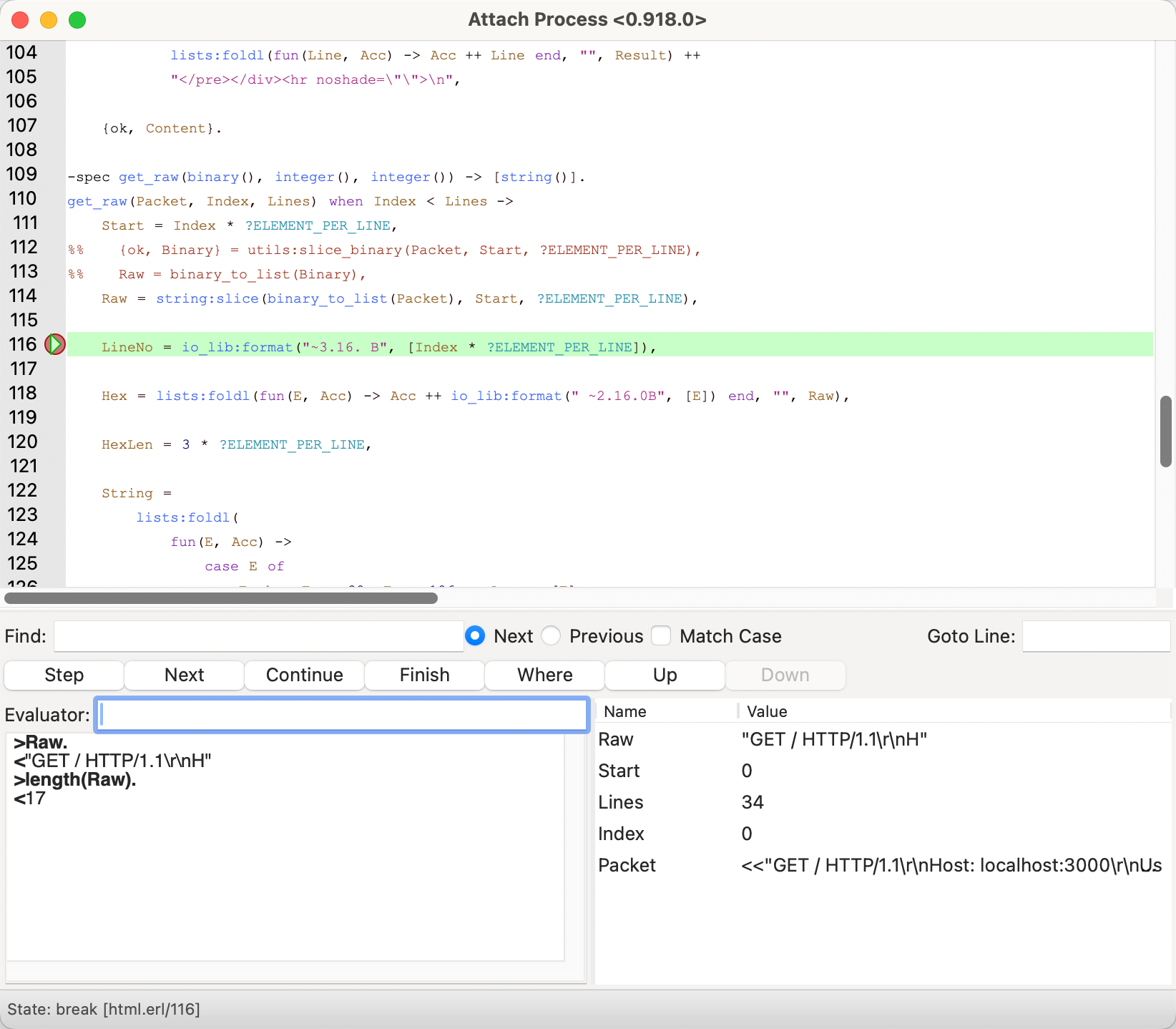
Starting from the error message — it lives in node_modules/webpack/lib/ModuleParseError.js. Setting a breakpoint and walking the call stack leads to NormalModule.js:doBuild.
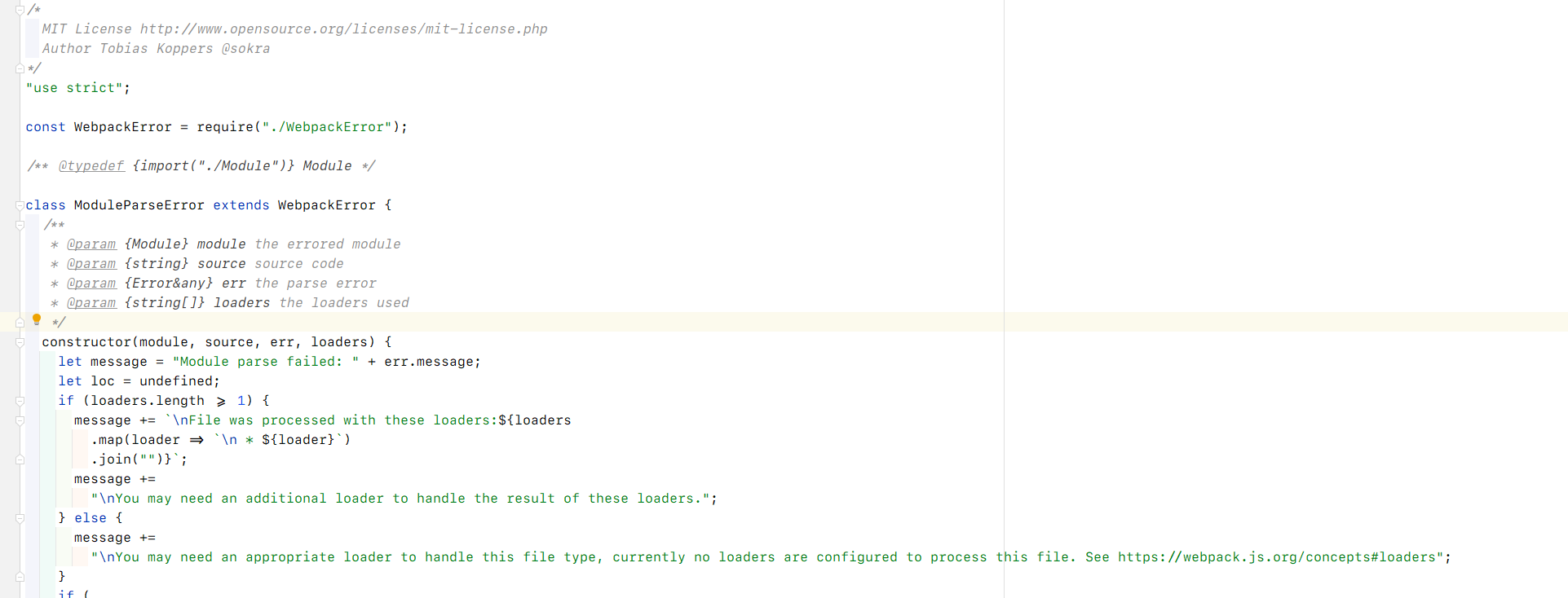
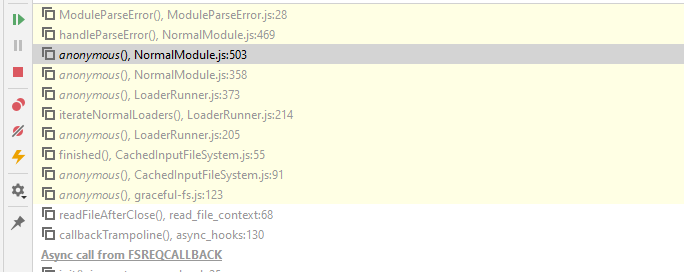
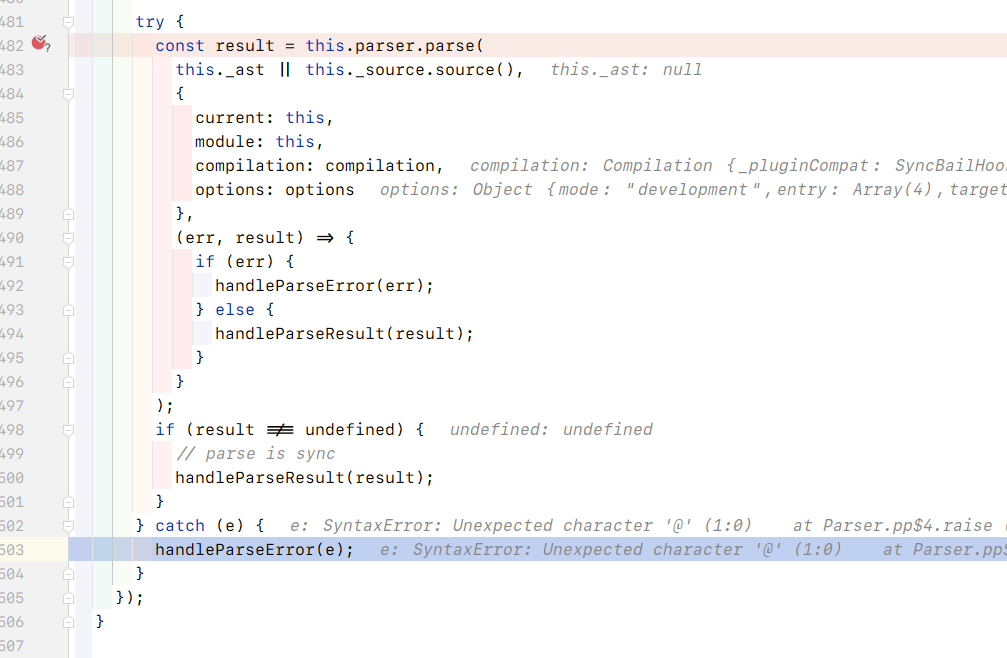
The exception is thrown inside NormalModule.js:doBuild.
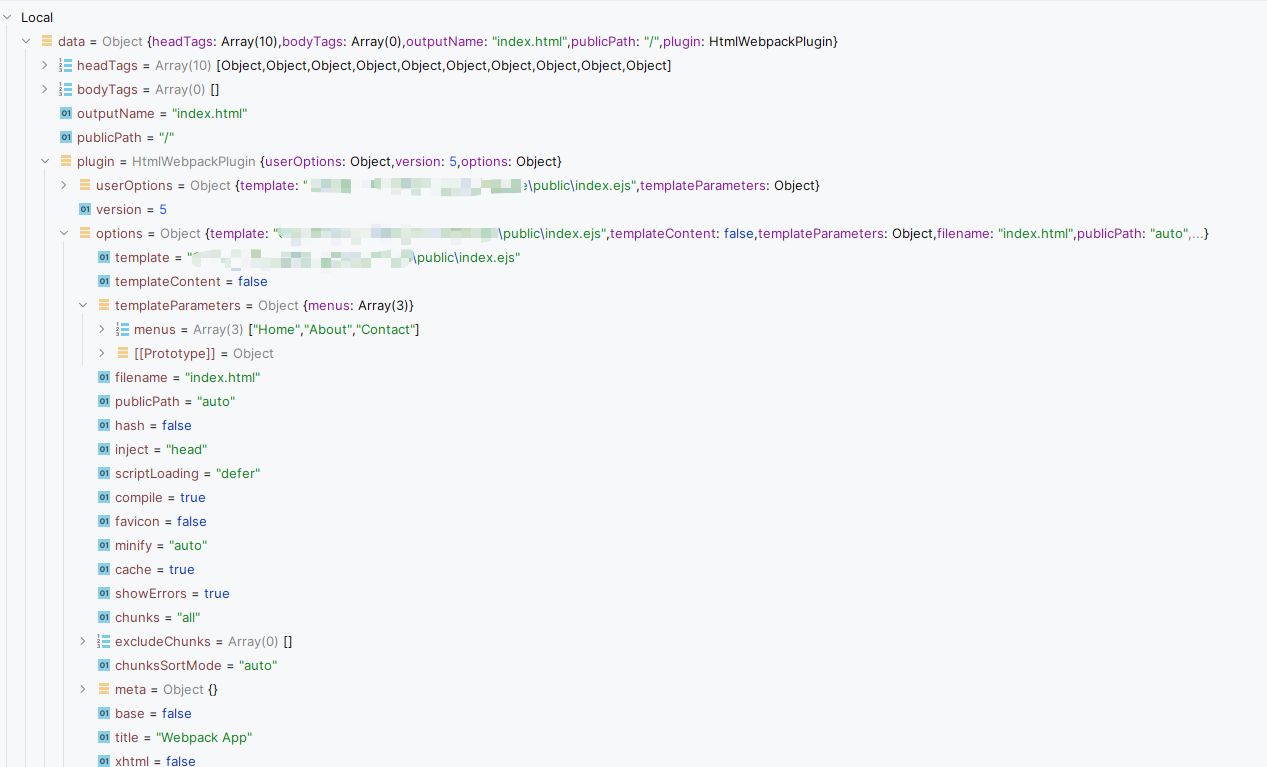
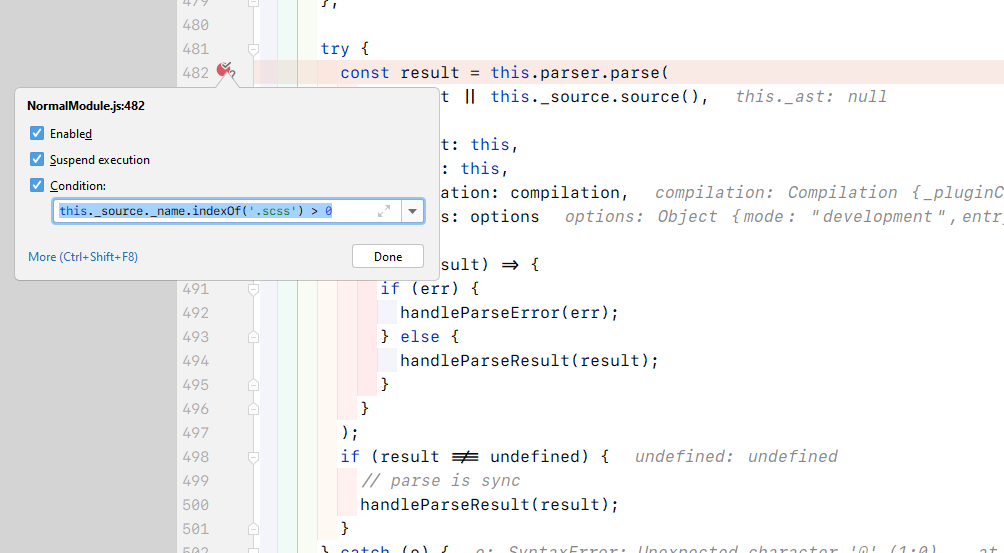
A conditional breakpoint reveals the parser detail:
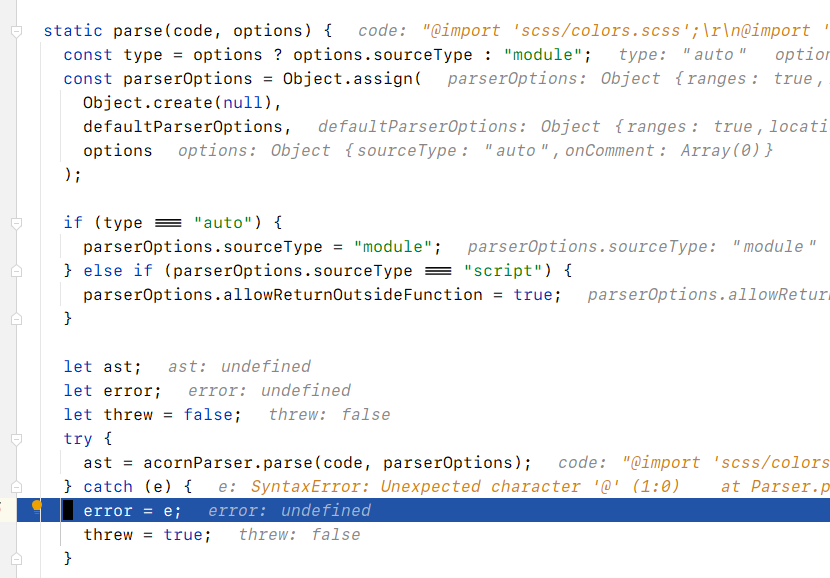
The exception originates in node_modules/webpack/lib/Parser.js:parse. acorn is a JavaScript parser — passing SCSS to a JavaScript parser will always fail. The correct pipeline is: sass-loader compiles SCSS → CSS, css-loader converts CSS → CommonJS, then either style-loader injects it into the page or mini-css-extract-plugin extracts it to a separate file.
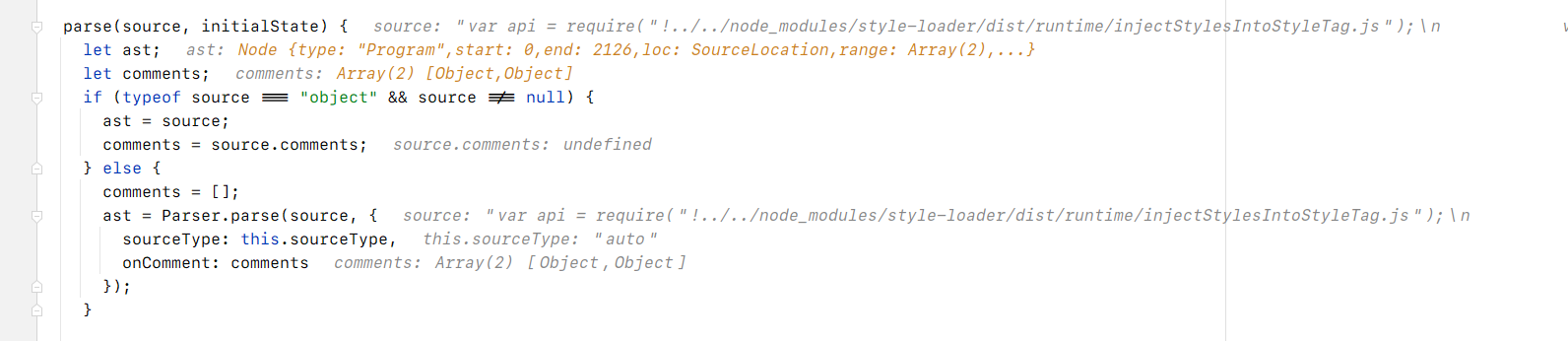
In the working case, style-loader generates glue code that gets parsed by acorn as valid JavaScript.
Back in node_modules/loader-runner/lib/LoaderRunner.js:iterateNormalLoaders, loaderContext.loaders should be populated from the matched rules — but when no rule matches, no loaders run, and raw SCSS reaches the parser.
How webpack Rules Matching Works
Following the call stack from NormalModuleFactory.js:
this.ruleSet = new RuleSet(options.defaultRules.concat(options.rules));
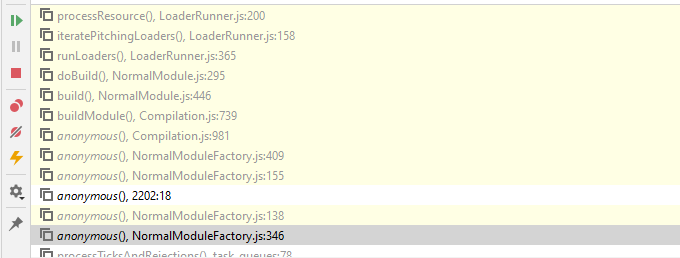

RuleSet (in node_modules/webpack/lib/RuleSet.js) initialises by converting every test field to a matching function:
// node_modules/webpack/lib/RuleSet.js:normalizeCondition

if (typeof condition === "string") {
  return (str) => str.indexOf(condition) === 0;
}
if (typeof condition === "function") {
  return condition;
}
if (condition instanceof RegExp) {
  return condition.test.bind(condition);
}
if (Array.isArray(condition)) {
  const items = condition.map((c) => RuleSet.normalizeCondition(c));
  return orMatcher(items);
}
Matching happens in RuleSet.js:exec, which runs those functions against the file path.
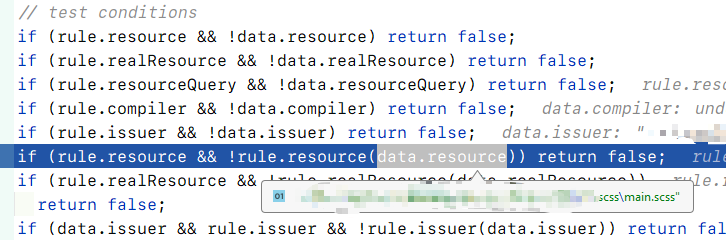
The separator difference (/ vs \) means the original regex never matched Windows paths — so no loaders were applied, and SCSS was handed raw to the JavaScript parser.