Qt and React Hybrid Development
Problem and Exploration
A recent project posed an interesting question: how do you render AI chat responses with a typewriter effect inside a Qt app?
One option is to parse Markdown in C++ and hand the resulting HTML to Qt WebEngine. The other is to delegate both parsing and rendering entirely to Qt WebEngine. The second option is clearly better — there are mature Web solutions for Markdown and animation. Ant Design X provides a complete solution, and markdown-it handles AI-generated Markdown equally well.
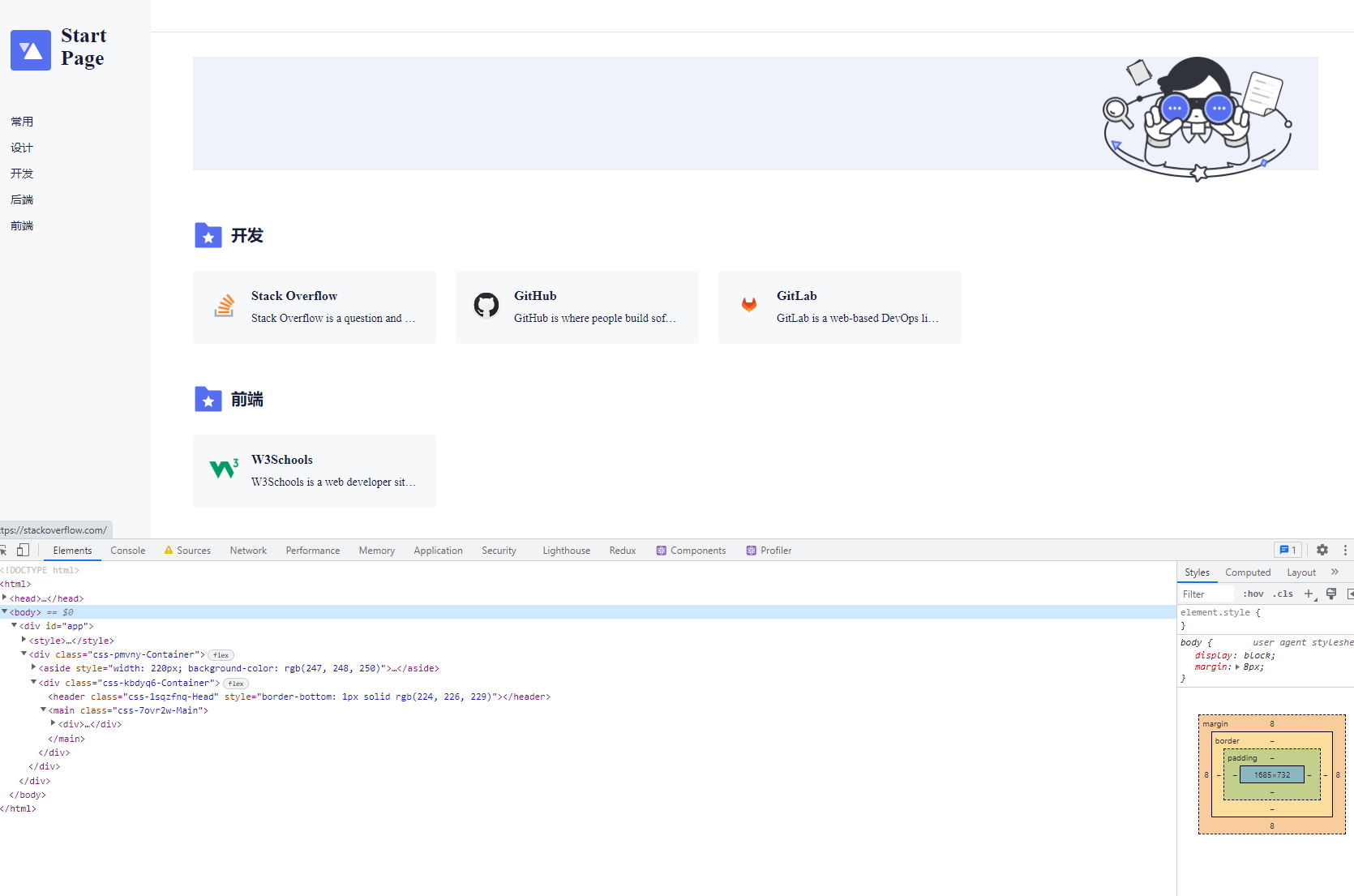
Qt WebEngine can load HTML in two ways: from a remote server, or embedded via Qt's resource system. Remote loading sidesteps the issues discussed below but requires server infrastructure. This post explores the embedded approach.
Web App Configuration
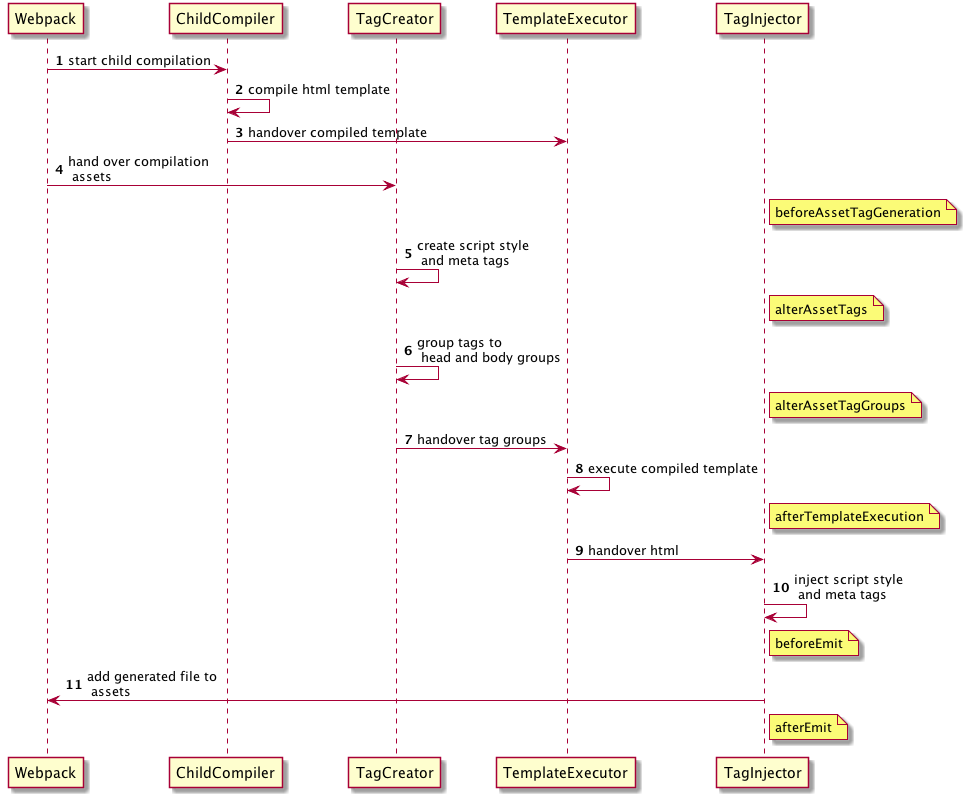
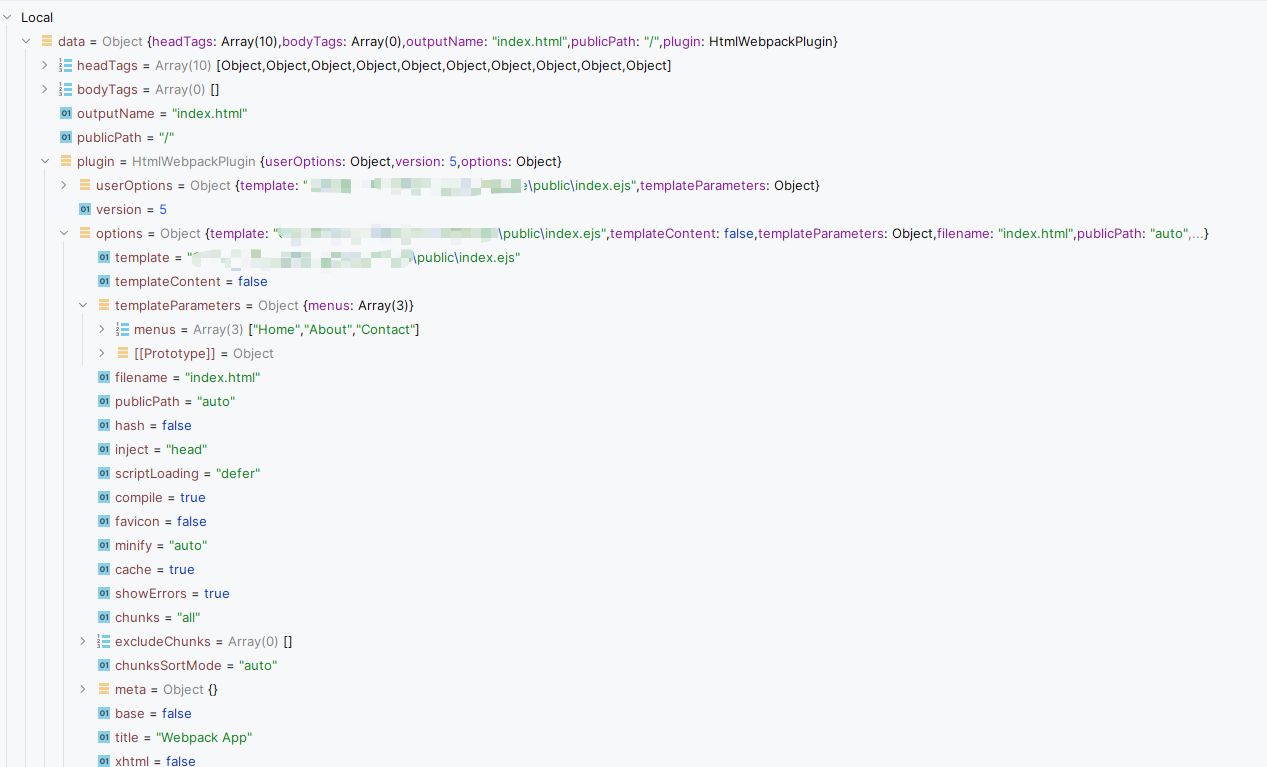
There are several ways to scaffold a React app: Vite, Next.js, or webpack from scratch. We chose webpack for two reasons:
- We need to customize the build output — specifically, stripping file hashes so we don't have to update
CMakeLists.txton every build. - The project is simple enough that a framework would be overkill.
A minimal webpack.config.js (no hashes):
module.exports = {
  ...
  output: {
    filename: 'app.js',
    publicPath: './',
  },
  resolve: {
    extensions: ['.ts', '.tsx', '.js', '.jsx'],
  },
  plugins: [
    new MiniCssExtractPlugin({
      filename: 'style.css',
    }),
  ],
  ...
};
One important detail: the HTML file must include Qt's qwebchannel.js, which Qt automatically embeds in its resource system:
<script src="qrc:/qtwebchannel/qwebchannel.js"></script>Without hashes or code splitting, the build produces just three files: index.html, app.js, and style.css. They can then be embedded in the Qt resource system:
qt_add_resources(App "html"
    PREFIX "/"
    FILES
        html/index.html
        html/app.js
        html/style.css
)
Loading Resources and Rendering
The rendering flow follows WebEngine Markdown Editor Example. Since the app needs to handle both historical messages and live AI responses, two objects are registered with Qt WebChannel:
channel->registerObject(QStringLiteral("histories"), &m_histories);
channel->registerObject(QStringLiteral("message"), &m_message);
Historical and user messages render immediately; AI responses get the typewriter effect:
useEffect(() => {
  new QWebChannel(qt.webChannelTransport, function (channel) {
    const histories = channel.objects.histories;
    const message = channel.objects.message;

    if (histories.text) {
      setMessages(JSON.parse(histories.text));
    }

    history.textChanged.connect((histories: string) => {
      if (histories.length > 0) {
        setMessages(JSON.parse(histories));
      }
    });

    message.textChanged.connect((message: string) => {
      if (message.length > 0) {
        setMessages((prev) => [
          ...prev,
          {
            ...JSON.parse(message),
            typing: true,
          },
        ]);
      }
    });
  });
}, [setMessages]);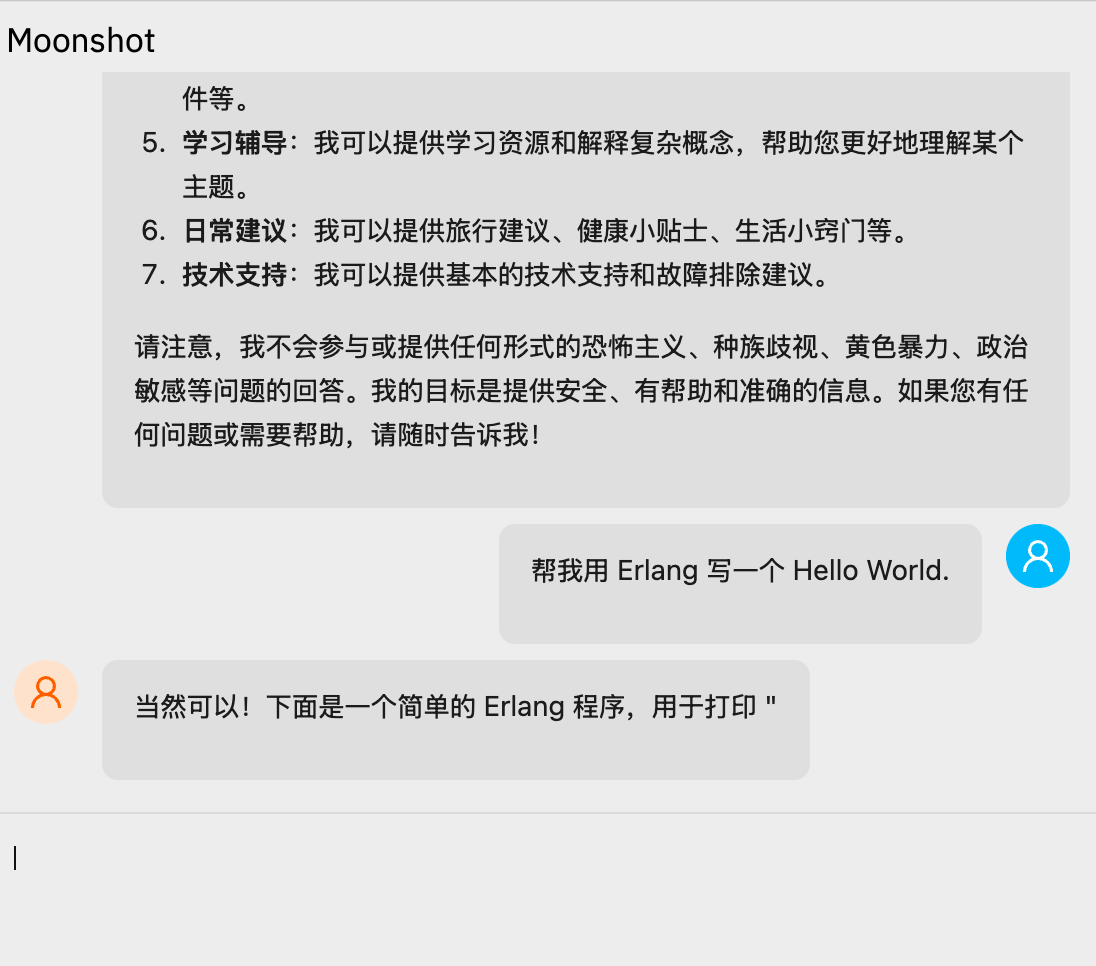
Summary
Qt WebChannel provides a JS Bridge that lets JavaScript communicate with native C++ code, making it straightforward to build cross-platform hybrid apps with Qt and React.